
Loading...

| Hi, sage&Keepsake
💎 0 Credits
Profile | Logout
Processing...
Hi, sage&Keepsake
$12.99
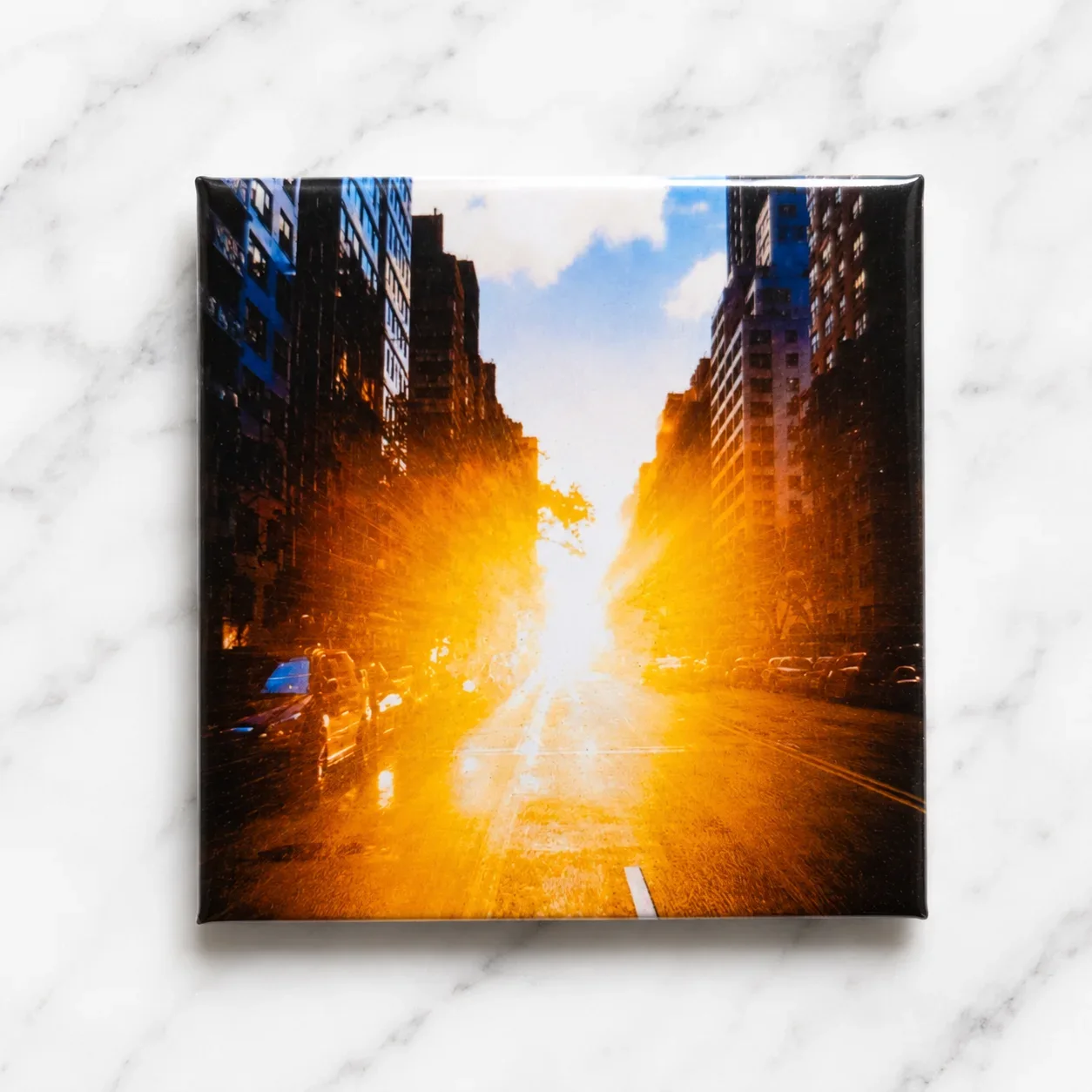
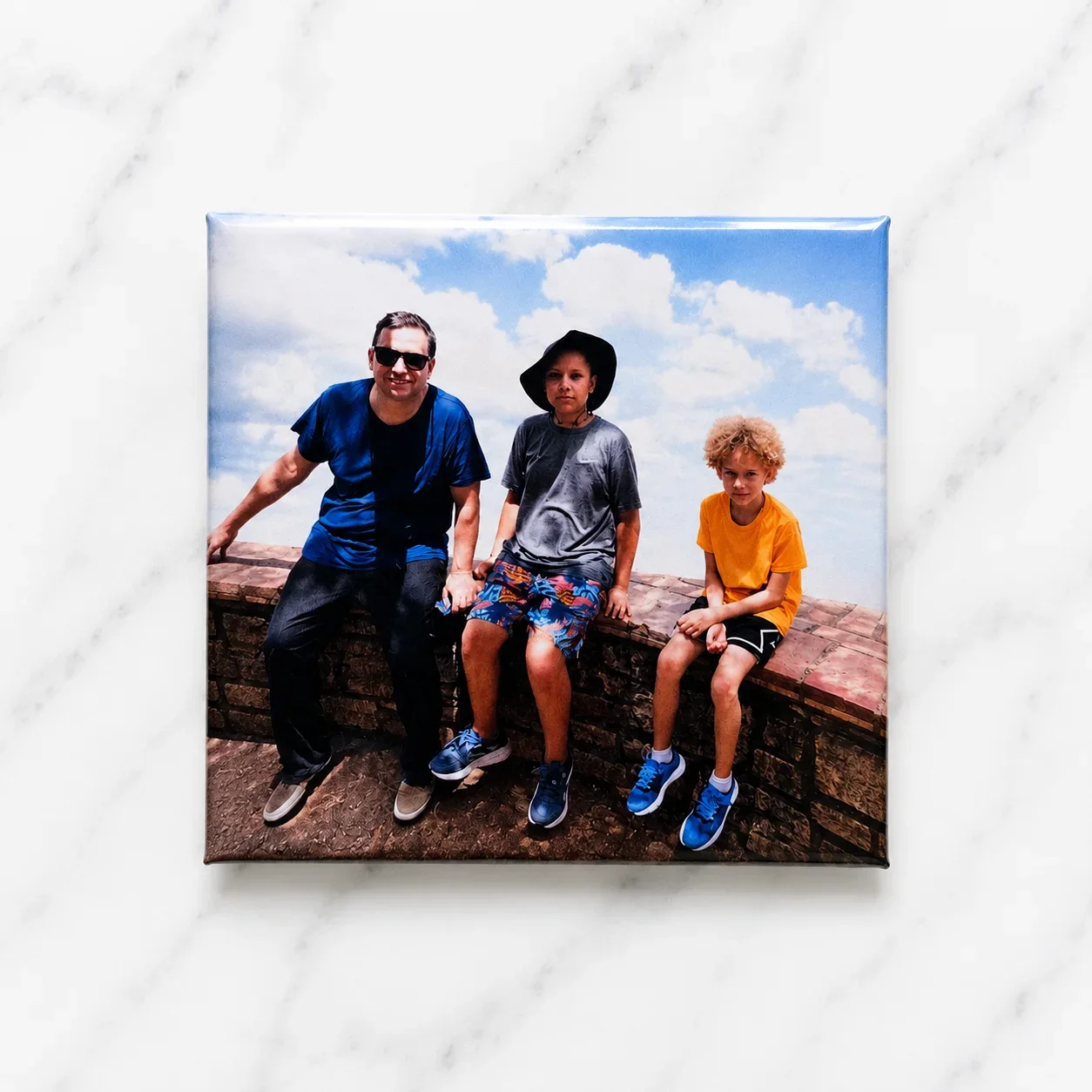
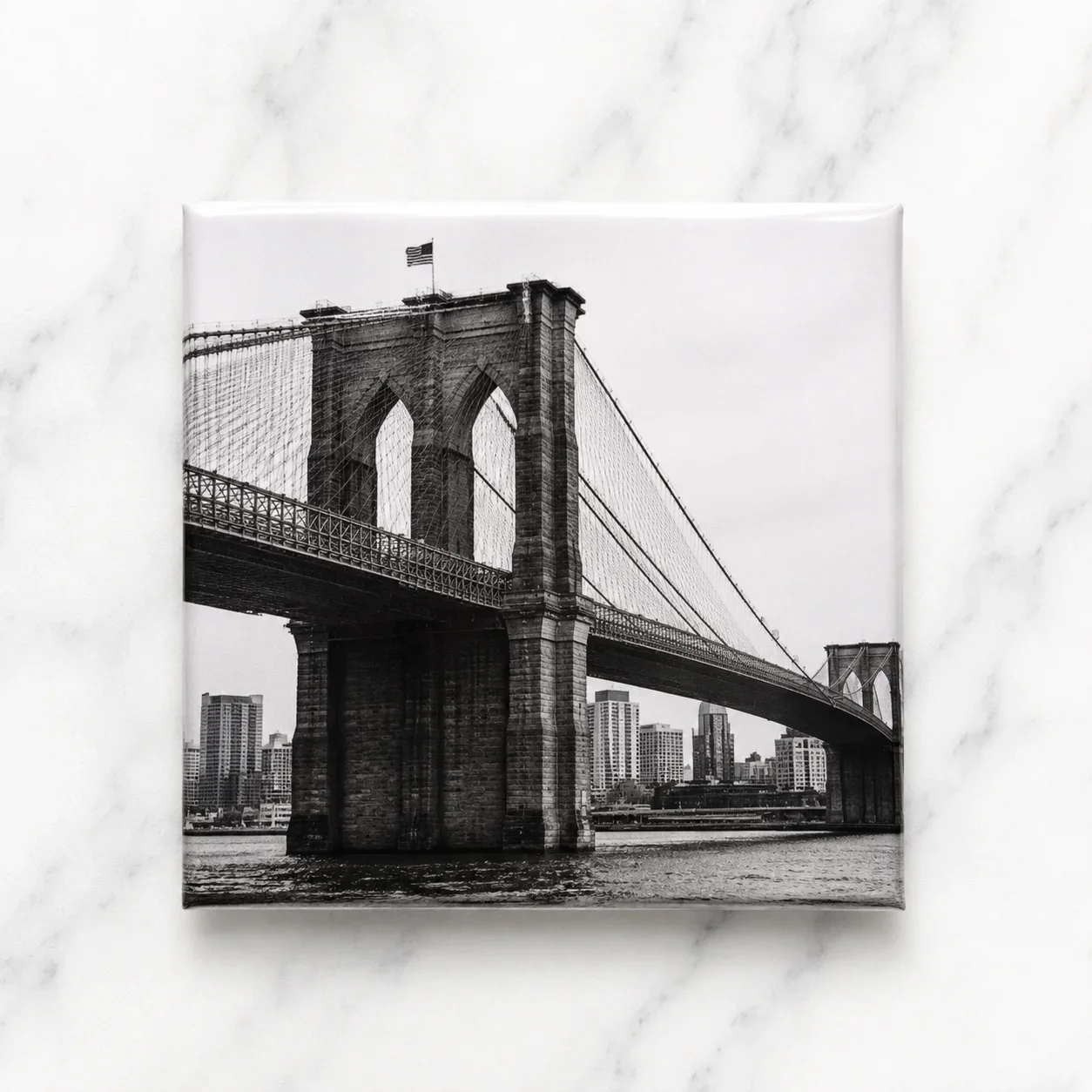
Set of 3 2" x 2" (50.8mm)
$22.99
Set of 6 2" x 2" (50.8mm)
$31.99
Set of 9 2" x 2" (50.8mm)
$39.99
Set of 12 2" x 2" (50.8mm) (Best Value!)
Welcome to Sage & Keepsakes

file 000000005dc871fba9f758722d0b1a70 (2)
Personalized Products
By placing an order with us, you agree to the following terms.
Each magnet is custom-made using the photo(s) you provide. Please review your images carefully before submitting your order, as we print exactly what you upload. Colors may vary slightly due to monitor settings and printing processes. The final print quality depends on the quality of the uploaded image. Low resolution, blurry, or dark photos may produce lower quality prints.
Order Processing
Orders typically ship between 2-5 business days. Processing times may vary during holidays or periods of high demand.
Payments
All payments are securely processed through our payment provider. Orders begin production once payments are recieved.
Copyright
By uploading photos, you confirm that you own the rights to the images or have permission to use them. Sage & Keepsakes is not responsible for copyright infringement resulting from customer-uploaded images.
Product Variations
Colors may vary slightly from what you see on your screen due to monitor settings and the printing process
Returns & Refunds
Due to the custom nature of our products, we do not accept returns or exchanges for customer errors or changes of mind. If your order arrives damaged or incorrect, please contact us within 7 days of delivery, and we'll make it right.
Template media (PDF, photos, customer info) is automatically cleared after 7 days. You can download template media via the download button and/or image thumbnails.

      Your Studio is Clean

      No active templates found. Upload some photos and create one!

      7 Days Storage Life
      Automatic Template Cleanup

      Storefront design

      Storefront Access

      Storefront QR

      Checking status...

      Toggle your storefront open & closed here. You can style your 'closed' page in the storefront editor.

      Allow your guests to choose from your gallery images as well as uploading.

      Photo Editing Enabled

      Allow your guests to edit photos after cropping. Only affects your guests, you can always edit.

      Guest editing tools

      Choose which tools guests can use. At least one must remain enabled.

      Storefront Language

      Choose the default language for guest-facing storefront labels, checkout text, contact forms and order status messages.

      Customer Info & Notifications

      Email order notifications These are for you - when an order comes through your storefront, get an email to notify you with the details.
      Currently sending to Enter an email used only for notifications.

      Choose which customer details you'd like to take and toggle notifications on or off.

      Name Useful for pickup labels and matching orders to customers. If shipping is enabled, this is automatically required.
      Email Useful for digital receipts or collection questions.
      Phone Useful if you need to contact the customer via phone call or SMS.
      Address Use for delivery details or postal orders. If shipping is enabled, this is automatically required. (Country is set in shipping section below.)
      Social Media Consent Ask a customer if they consent to their images being used on social media.
      Copyright confirmation Ask guests to confirm they have the rights to print images they upload themselves. Gallery images do not need this confirmation.
      Phone push notifications / pick-up Enable phone push notification alerts for the customer - used for in-person and same day live events. Not all devices are supported but if they are, the customer can allow them and get a push notification when you mark the order ready.
      Customer email receipts & pick-up notification Send an email to the customer when their order is completed with the details, and a follow-up email when you mark the order ready for pick up or shipped. Emails are securely sent from hello@missmagnets.com. You can customise the displayed sender name and where customer replies are delivered.

      Products & Pricing

      Configure pricing, discounts and product information here. When you're finished, click the 'Save Details' button at the bottom to save your changes.

      Currency
      Storefront Products

      Create new, or edit existing storefront product details. You can drag each product to change the order on your storefront.

      — What are they, and how do I add them?

      — What are they, and how do I add them? Video guide

      Tip: Click the arrow to expand/collapse product settings. Drag products to reorder with the three lines icon.

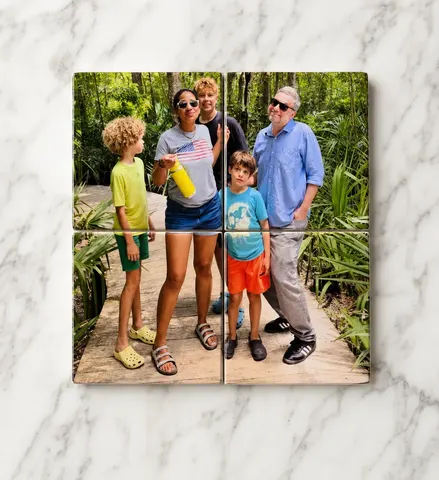
      4-Magnet Puzzle Puzzle
      Guest card image
      Direct product upload QRTakes your customer directly to product upload instead of your storefront.
      VariationsAdd options with their own price, weight etc.
      0/30 variations
      $
      Uses products
      9-Magnet Puzzle Puzzle
      Guest card image
      Direct product upload QRTakes your customer directly to product upload instead of your storefront.
      VariationsAdd options with their own price, weight etc.
      0/30 variations
      $
      Uses products
      12-Magnet Puzzle Puzzle
      Guest card image
      Direct product upload QRTakes your customer directly to product upload instead of your storefront.
      VariationsAdd options with their own price, weight etc.
      0/30 variations
      $
      Uses products

      Shipping & Tax

      Choose how guests receive orders, then set shipping rates and delivery zones. Product weights are set in the products section above.

      Shipping

      Choose how guests can receive orders from your storefront.

      Standard shipping

      Standard shipping price is weight based. Set your product weights in the product section, and then set weight pricing bands here. Shipping price is then calculated automatically at checkout based on weight.

      Weight bands

      These are your standard shipping rates, based on total order weight. You can leave To (g) blank on your final band to cover heavier orders.

      Custom shipping option

      Add an additional custom shipping option, such as express shipping or a rural service, that customers can select at checkout. The surcharge price you set gets added on top of your standard shipping pricing.

      Event Mode

      Setup or schedule events, with each event having it's own products, purchase limits, storefront theme and more. Each event has it's own QR code and access link.

      User Accounts

      Admin Broadcast

      Email Users

      Write once, preview, send yourself a test, then send to active users, all users, or selected accounts.

      Preview first to calculate recipients.

      Preview
      0 Photo Tray